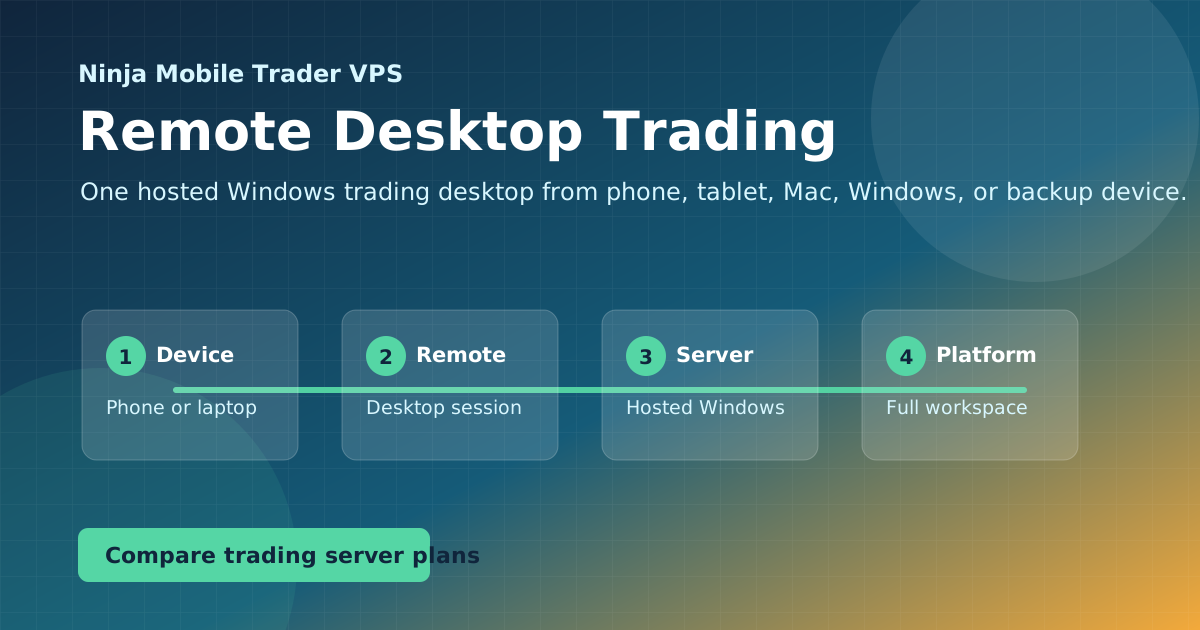
Run a full Windows trading workspace from a phone, tablet, Mac, Chromebook, or backup computer. Platform-neutral guides for remote desktop trading access.
Reaching one workspace from phone, tablet, Mac, or Chromebook
Choosing remote desktop over limited mobile apps
Setting up backup access before you need it
Remote Desktop
Guides in this topic
Need your full Windows trading desktop on a phone, tablet, Mac, Chromebook, or backup computer? These guides show how to run one hosted workspace and reach it from anywhere.
Connect to your Windows trading VPS, choose readable display settings, install your platform and rehearse returning to the same session from a backup device.
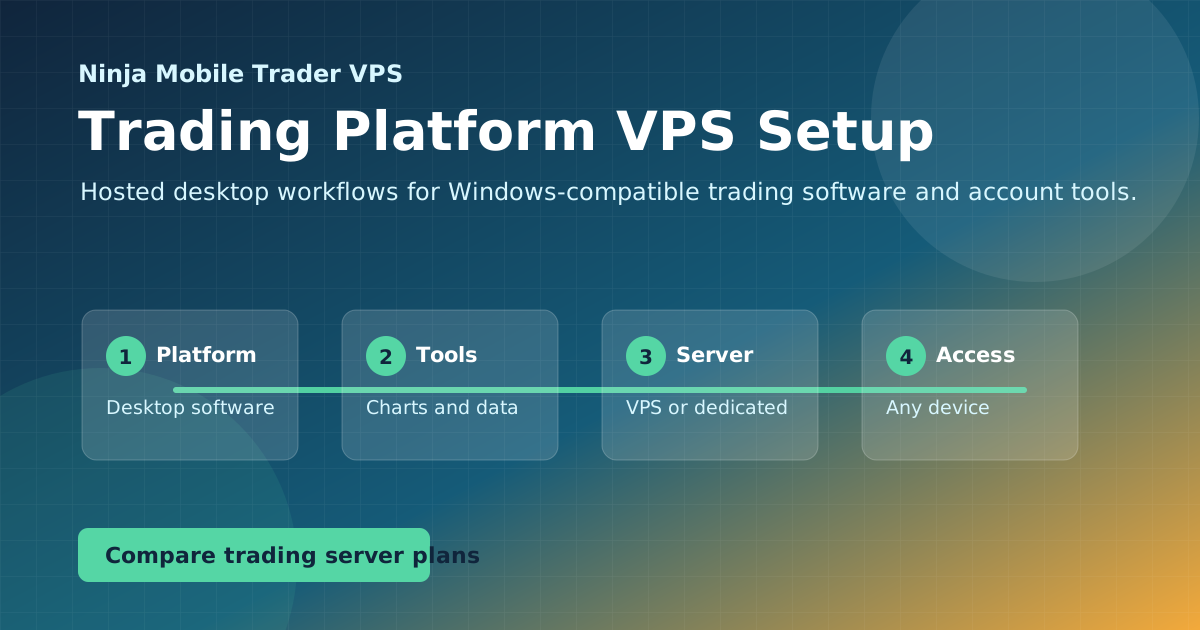
Match NinjaTrader Desktop, copiers, EAs and other Windows trading tools to an NMT hosted workspace, then follow the right platform setup guide.
Put the guide into practice
Host the workflow on a trading-optimized server.
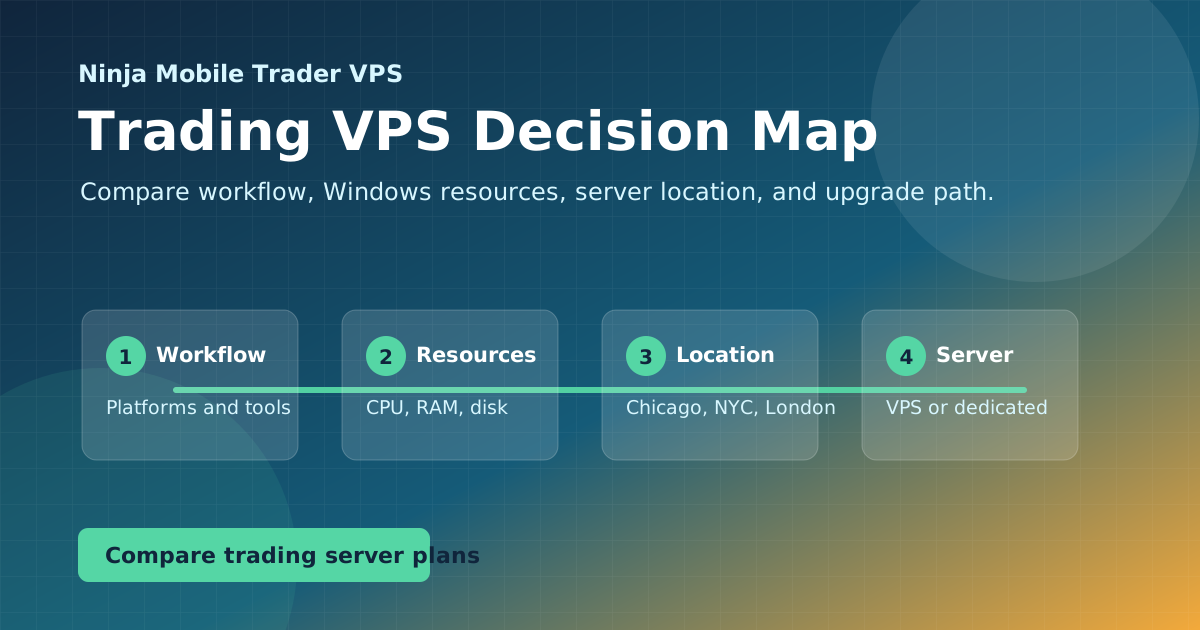
Use Ninja Mobile Trader VPS for Windows-compatible trading software, remote desktop access, and VPS or Dedicated Server plans in Chicago, NYC, and London.