Comparing Windows performance, support, and uptime
Moving a live workspace off a home computer
Trading VPS
Guides in this topic
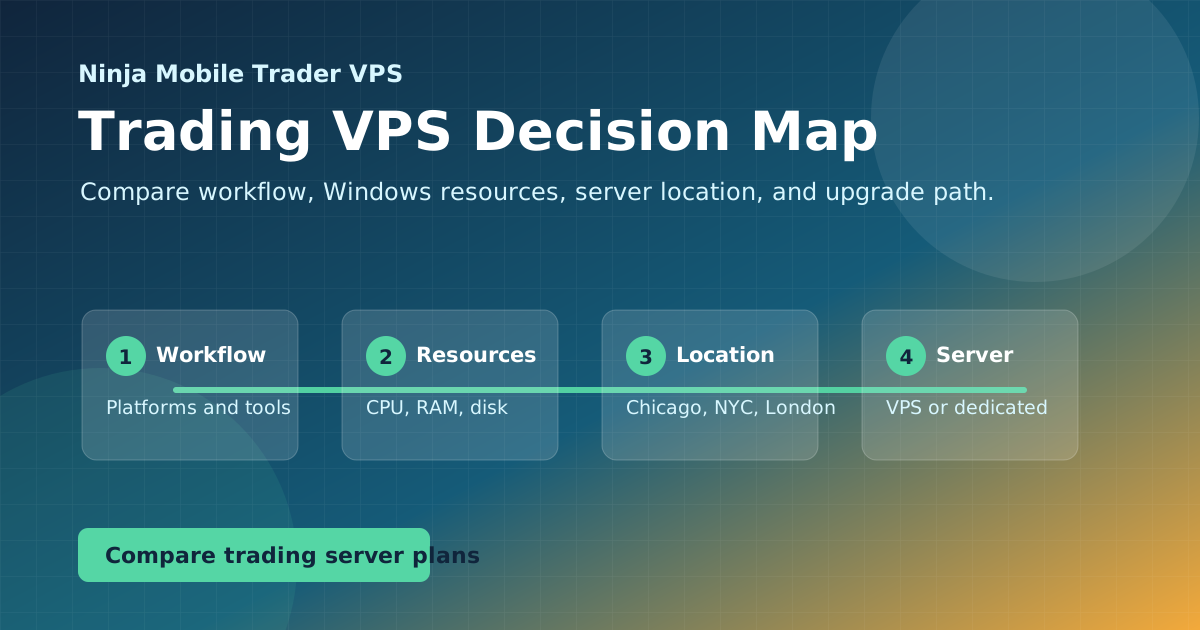
If you're weighing providers or trying to decide between a VPS, a dedicated server, or a simpler remote desktop setup, these guides walk through the trade-offs.
Use a downloadable trading VPS review worksheet to record comparable plans, workload tests, broker latency, mobile reconnect results and dated evidence.
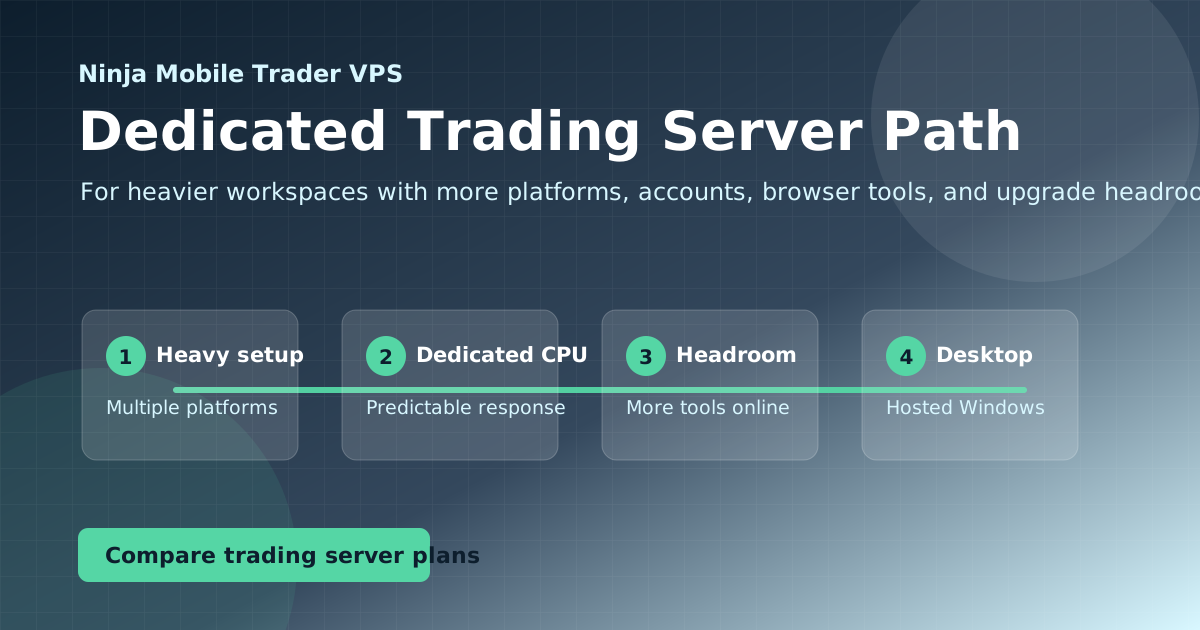
Decide when to keep a trading VPS, increase its resources or move to a dedicated server using CPU, memory and disk evidence, then plan a controlled migration.
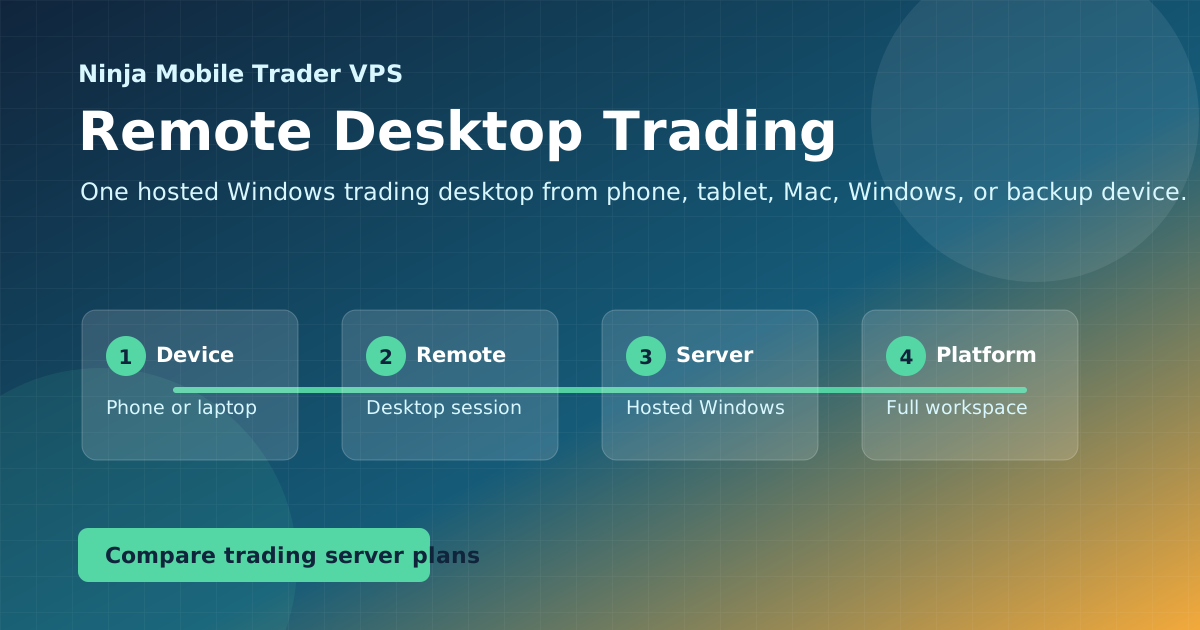
Connect to your Windows trading VPS, choose readable display settings, install your platform and rehearse returning to the same session from a backup device.
See what Ninja Mobile Trader includes for your NinjaTrader Desktop workspace, with a dated comparison of QuantVPS, ChartVPS, TraderVPS and TradingVPS plans.
Compare futures VPS plans by platform requirements, real workspace load, broker routes and recovery support, with current Ninja Mobile Trader specifications.
Match NinjaTrader Desktop, copiers, EAs and other Windows trading tools to an NMT hosted workspace, then follow the right platform setup guide.
Put the guide into practice
Host the workflow on a trading-optimized server.
Use Ninja Mobile Trader VPS for Windows-compatible trading software, remote desktop access, and VPS or Dedicated Server plans in Chicago, NYC, and London.