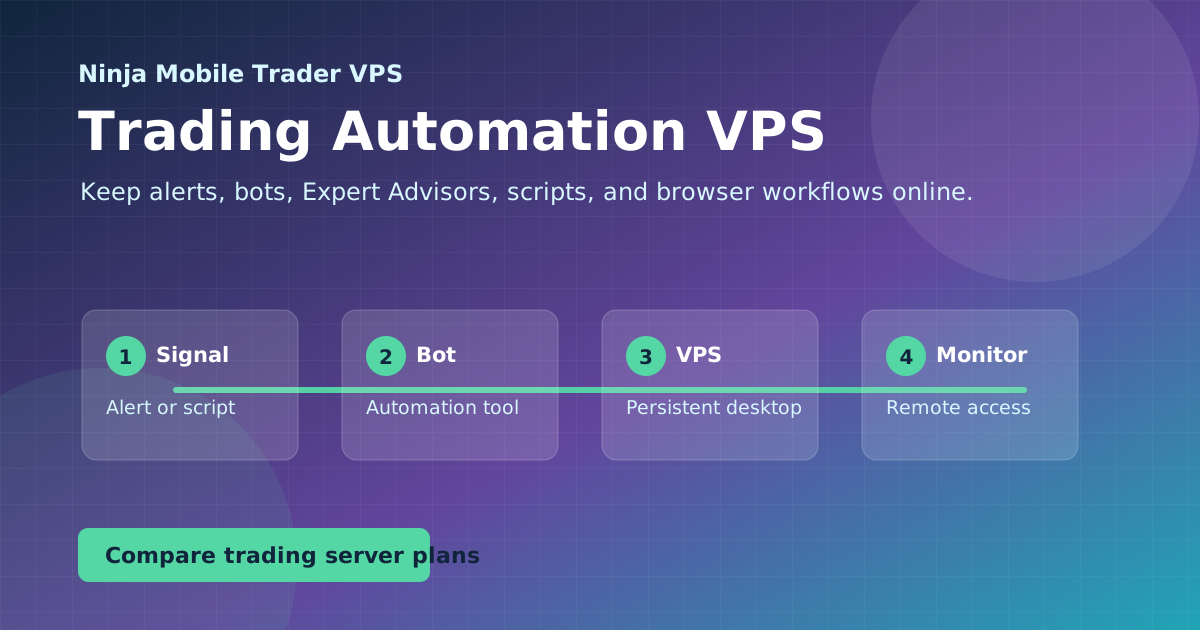
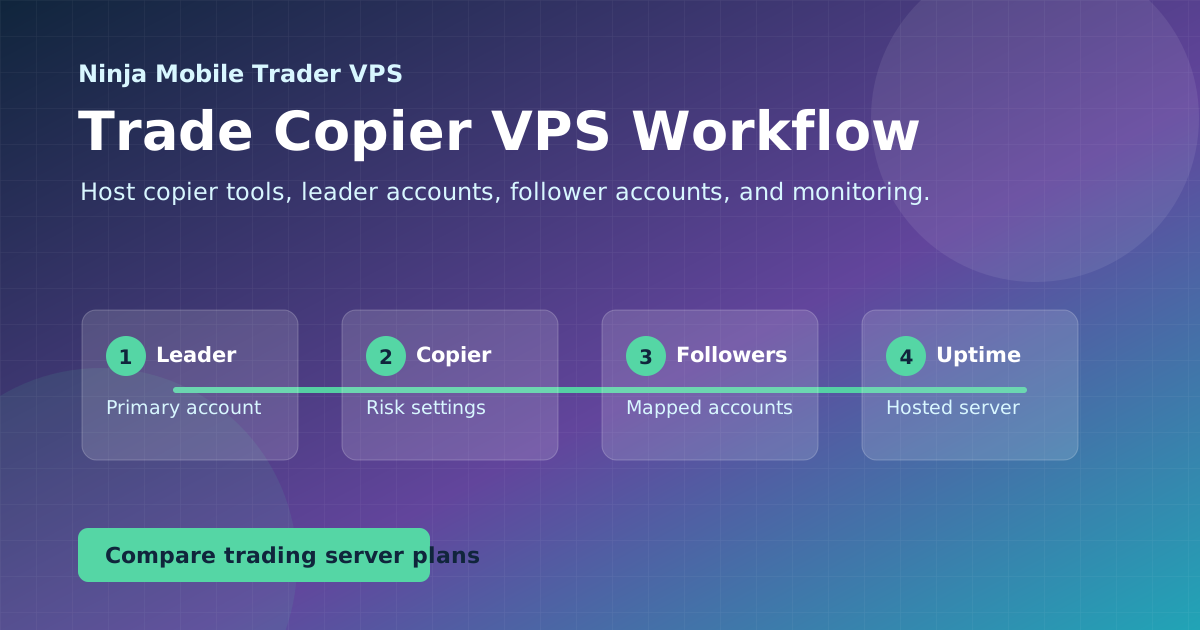
Keep trading bots, Expert Advisors, trade copiers, TradingView alerts, and webhook workflows running 24/7 on a hosted Windows desktop. See how to set it up.
Keeping bots, alerts, and copiers running around the clock
Knowing which workflows need a full Windows desktop
Avoiding downtime from home internet and updates
Automation
Guides in this topic
These guides are for traders who need alerts, scripts, copiers, bots, and dashboards running around the clock, instead of depending on a home computer that can sleep, update, or lose power.
Identify which bots and EAs need a Windows VPS, size the full workload, and check platform, feed and strategy recovery before relying on unattended automation.
Map the software and account connections your trade copier needs, compare local and cloud hosting, size the Windows workload, and test follower recovery.
TradingView alerts run on its servers. Learn when an external webhook receiver or Windows bridge needs hosting, and how to distinguish alert delivery from order execution.
See how Edgeable Cloud trade copying complements a Chicago-hosted NinjaTrader desktop, with separate roles for strategy hosting, copying and account controls.
Connect trading platforms, EAs, copiers, and alert bridges on a Windows VPS, with clear account routing and checks that show where a workflow stops.
Put the guide into practice
Host the workflow on a trading-optimized server.
Use Ninja Mobile Trader VPS for Windows-compatible trading software, remote desktop access, and VPS or Dedicated Server plans in Chicago, NYC, and London.