Ninja Mobile Trader VPS and Edgeable are working together to introduce traders to complementary hosting and copying services. Our Chicago Windows VPS hosts your NinjaTrader desktop, charts and automated strategies. Edgeable Cloud copies trading activity between supported accounts using Edgeable’s own infrastructure.
This is a free mutual recommendation. Neither company pays for this placement, and Ninja Mobile Trader receives no affiliate commission through the links in this article.
What runs on the VPS, and what runs in the cloud?#
A trader can keep NinjaTrader running on a hosted Windows desktop and use Edgeable Cloud for supported leader-and-follower account connections. The services have different jobs:
| Component | Where it runs | Its job |
|---|---|---|
| NinjaTrader desktop and strategies | Your Ninja Mobile Trader VPS | Charts, indicators and strategy execution for your connected trading accounts |
| Edgeable Cloud copier | Edgeable’s infrastructure | Copying between the supported accounts you configure |
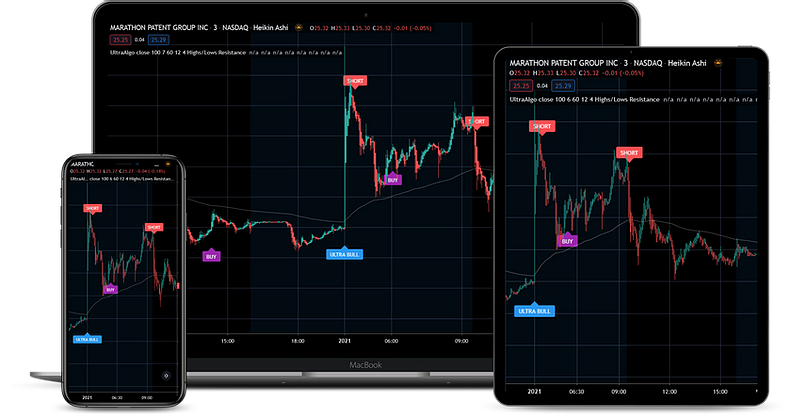
| Desktop or mobile access | Your own device | Viewing and controlling the hosted Windows workspace |
Edgeable Cloud does not require a VPS. The reason to pair it with one is to host desktop software that you want available independently of your home computer. Edgeable’s Cloud plans run separately from that Windows session; its Local Desktop product is a different deployment option.
For example, a trader who generates signals with an NT8 desktop strategy still needs somewhere to run that strategy. A trader who uses only supported browser-based trading and Cloud copying may not need a Windows host. Confirm your intended account connection with Edgeable before choosing the combination.
What Edgeable adds to a multi-account workspace#
Edgeable’s published features include a live event log and bracket-order translation. Its current product overview also lists:
- Broker and platform connections: Tradovate, TopstepX, Rithmic and NinjaTrader among its supported workflows.
- Follower sizing: Account-specific multipliers and contract limits, depending on the plan.
- Copying controls: Configurable loss limits, symbol filters and a flatten control for managing follower activity.
Use the provider’s current connection instructions and your prop firm’s rules for the accounts you actually hold. A platform appearing on a compatibility list does not establish that every account type or connection method is supported.
Plan one clear route from leader to followers#
Before enabling the setup, identify which account originates trades and which accounts follow it. Avoid leaving another copier or an independent strategy issuing the same orders to those followers.
Start with the smallest permitted test setup and verify entries, stop and target changes, partial fills, rejections and closing positions against each account’s own order history. The event log helps investigate activity; matching account records establish what actually happened.
For the Windows side, use our NinjaTrader VPS sizing guide to match the server to your charts, indicators and strategies. Hosting NinjaTrader in Chicago addresses the desktop-to-broker route. It does not relocate Edgeable Cloud, guarantee a follower fill time or remove market slippage.
Plans and support#
Review Edgeable’s current plans for broker-connection limits, billing periods and trial eligibility. As reviewed on September 26, 2026, Cloud Starter and Cloud Essential advertise a seven-day free trial; Cloud Unlimited does not. We link directly to the provider because plan terms can change.
Edgeable manages its copier and product support. Ninja Mobile Trader manages your hosted Windows trading environment. You can also find Edgeable on our Recommended Tools page.
Explore Edgeable Cloud
Review supported connections and choose the copying setup that fits your accounts.