How to pick a low-latency trading VPS near Chicago and the CME, test route quality to your broker and data feed, and size a server for futures and prop-firm trading.
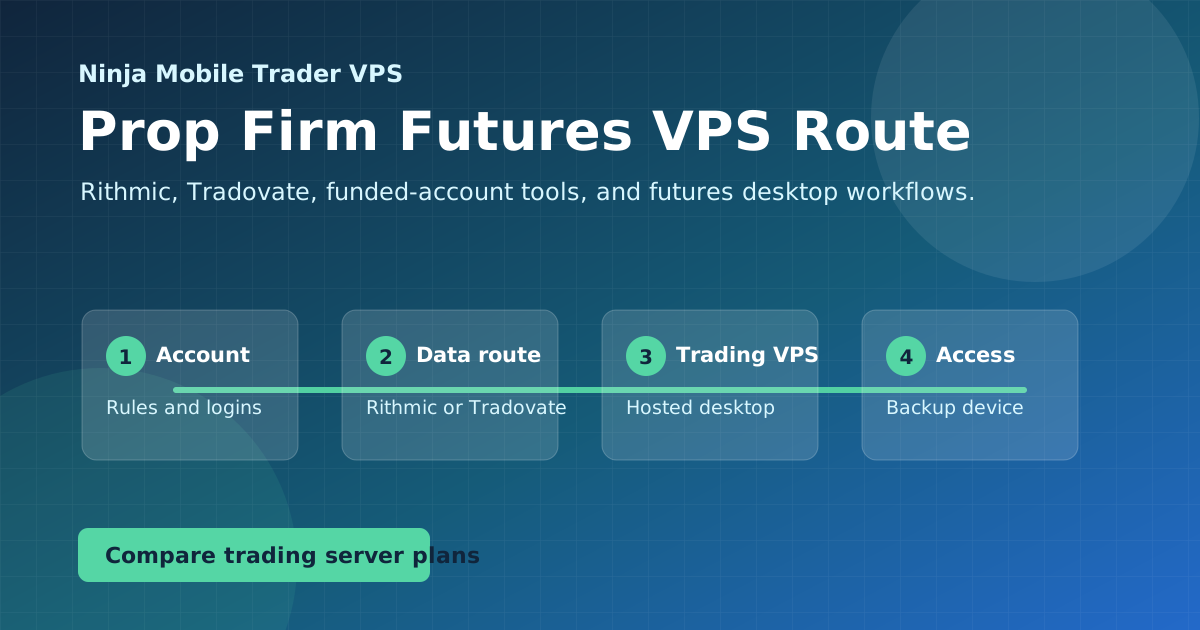
Planning Rithmic, Tradovate, and funded-account access
Latency & Futures
Guides in this topic
These guides cover what actually affects futures latency: server location, route quality, CME-adjacent hosting, and connecting through Rithmic, Tradovate, or a funded-account program.
Evaluate a Chicago VPS for CME futures using your account's broker endpoint, comparable route measurements and current exchange infrastructure notices.
Meet Boxcar Trading, our #1 recommended futures prop firm, with Eval and Straight-to-Funded paths, fast payout options, NinjaTrader support, and a VPS offer.
Connect separate Rithmic prop firm logins in one NinjaTrader: account mapping, PropFirmConnector installation, System settings and missing-account checks.
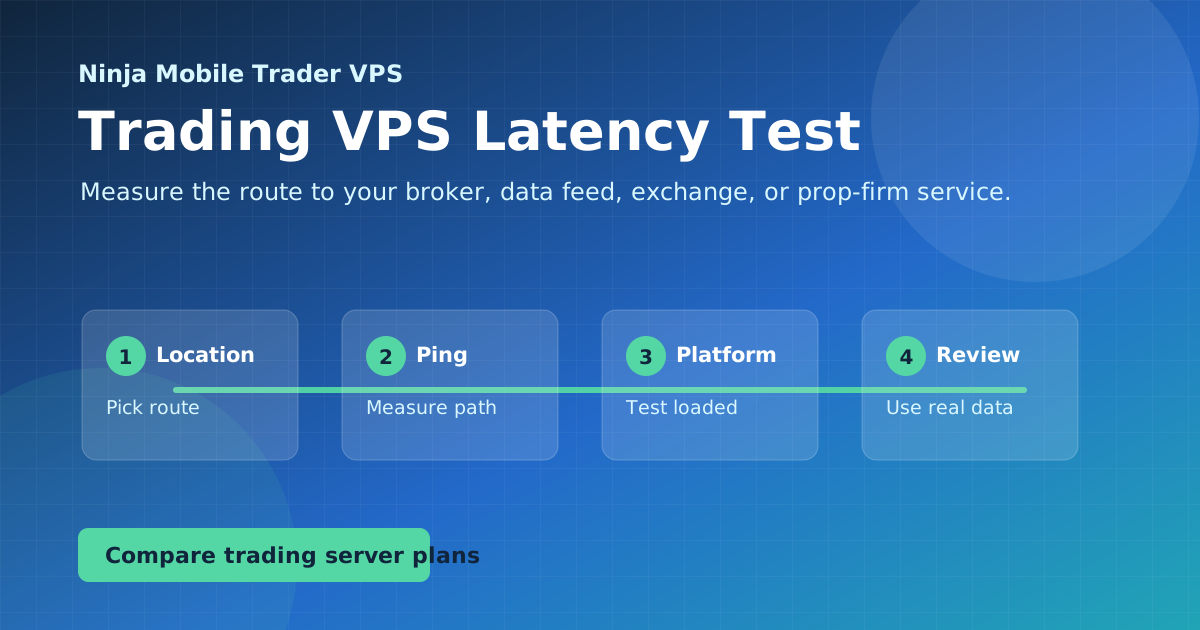
Choose a trading VPS location by comparing broker and data-feed routes with remote desktop access from your own device, rather than relying on city labels.
Put the guide into practice
Host the workflow on a trading-optimized server.
Use Ninja Mobile Trader VPS for Windows-compatible trading software, remote desktop access, and VPS or Dedicated Server plans in Chicago, NYC, and London.