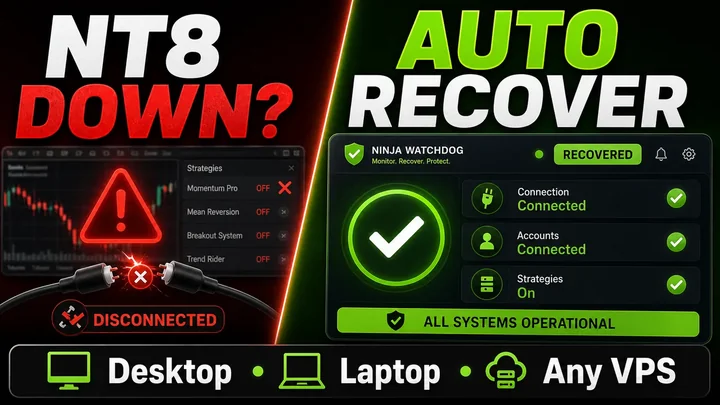
Ninja Mobile Trader VPS is partnering with Ninja Watchdog to help NinjaTrader 8 users recover from crashes, reboots and connection drops. The VPS hosts your Windows desktop; Ninja Watchdog monitors and recovers NinjaTrader on that same server.
What Ninja Watchdog adds#
- Crash and reboot recovery. Relaunches NinjaTrader and signs back in after a platform crash or Windows restart.
- Connection recovery. Reconnects supported connections, including Rithmic and Tradovate, then waits for live data.
- Strategy restoration. Re-enables interrupted strategies once the platform and connections are ready.
- Email alerts. Reports recoveries, trade activity and order issues. Cloud monitoring can alert you if the VPS stops reporting.
Configure recovery on your VPS#
Install Ninja Watchdog alongside NinjaTrader 8, choose the connections to monitor and configure email alerts. It runs as a separate Windows application without modifying your NinjaScript code.
Test recovery in simulation with your strategy’s startup and synchronization settings. A reopened platform is not by itself proof that a strategy, copier or account is ready. Ninja Watchdog handles supported recovery tasks; your strategy remains responsible for trading decisions, and provider outages can still prevent reconnection.
Trial and plans#
Eligible new customers can start with a 30-day free trial, followed by plans from $49/month. A card is required; cancel before the trial ends to avoid the subscription charge. Check the trial terms and current plans before subscribing.