Updated
Forex VPS
Choosing a Forex VPS for MT4 and MT5
Choose an NMT Windows VPS for MT4/MT5 EAs, multiple terminals and copier software. Compare hosting restrictions, plan resources and your actual broker route.
Ninja Mobile Trader VPS Blog
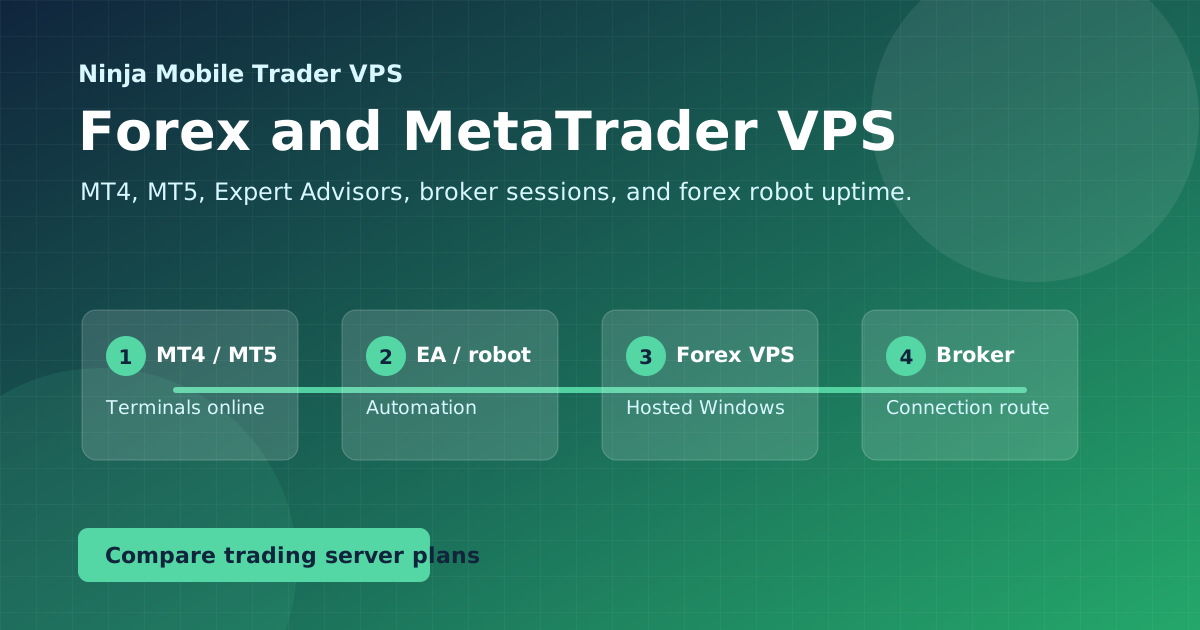
Forex and MetaTrader VPS guides for MT4, MT5, Expert Advisors, copy trading, and broker latency — plus how to keep a hosted Windows desktop online 24/7.
Forex & MT4/MT5
If your trading runs on MetaTrader, Expert Advisors, forex robots, or several MT4 and MT5 sessions at once, these guides cover the setup and latency questions that matter.
What you'll decide here
Choose an NMT Windows VPS for MT4/MT5 EAs, multiple terminals and copier software. Compare hosting restrictions, plan resources and your actual broker route.
Install MetaTrader on a Windows VPS, select the correct broker account, locate each terminal's data folder, and reconnect to the same desktop from another device.
Set up MT4/MT5 EAs and trade copiers on your NMT Windows VPS: terminal folders, account permissions, multiple instances and reconnection checks.
Put the guide into practice
Use Ninja Mobile Trader VPS for Windows-compatible trading software, remote desktop access, and VPS or Dedicated Server plans in Chicago, NYC, and London.